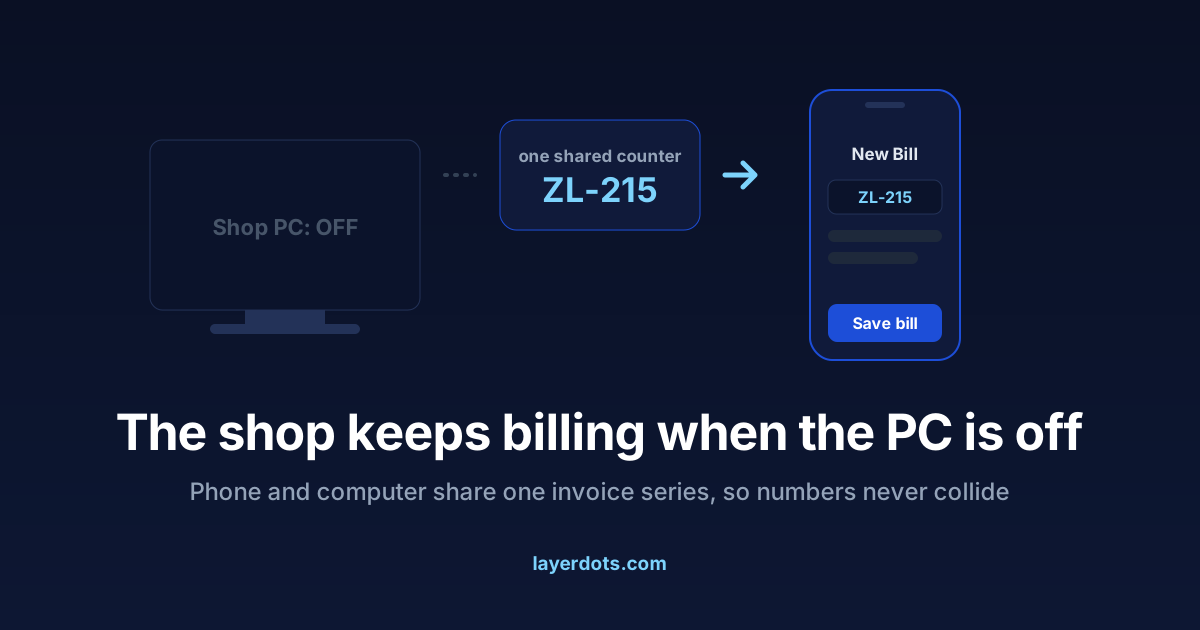
The owner is away, or the power is, and a customer is at the counter. The stock, the prices and the bill book are on a computer that is switched off. This is what the Layerdots phone app is for, and the part of it that took the most work is the part nobody asks about until it goes wrong: which device decides the invoice number when two of them can both make bills.
Two situations, two ways the phone works
When the computer is on, the phone is a companion on the shop's WiFi. Pairing is a QR code shown on the computer screen. After that the phone searches stock from the aisle, scans barcodes, photographs supplier invoices, and makes bills that save straight into the computer and print from it like any other bill. No internet is needed for this; the shop's own WiFi is enough. The app runs on Android and on iPhone.
When the computer is off, the phone works against the shop's cloud copy instead. It can still look up items and prices, make a proper GST bill, and hold a customer to their credit limit. When the computer comes back on, the phone's bills flow into it and the books read as if the shop never paused.
The invoice number is the real problem
Rule 46 of the CGST Rules wants invoice numbers in a consecutive series, each number used once in a financial year. Now picture the computer issuing numbers from its own counter and the phone from its own memory of that counter. Sooner or later both issue the same number, and you find out when the books and GSTR-1 disagree, or when two customers are holding bill 214.
There is one way to prevent this, and Layerdots uses it. While phone billing is switched on there is exactly one number series, kept in the shop's cloud account, and both devices take their next number from it at the moment a bill is saved. Not a copy each; one counter. Two bills saved in the same second from two devices come out as consecutive numbers.
What the single counter costs you
While phone billing is on, saving a bill needs the internet, on the computer as well as on the phone. That is not a gap waiting for a fix. Any number a device invented on its own while offline could be the number the other device had just used. A shop that wants fully offline billing leaves phone billing off, and the computer then works with no internet at all, as it always has. Turning phone billing off is one setting, and the computer picks up its own series again from the highest number it holds.
Shops that number their bills by hand
Shops number bills in different ways. Some let the software count: 101, 102, 103. Some jump the series forward when a new book starts. Some type every number, Tally style, in shapes like 2026-27/001. The computer supports all of these. While phone billing is on, the shared cloud counter runs the automatic series, because a single counter is what makes a duplicate impossible; typed and jumped series are how the computer numbers bills when phone billing is off.
Cancelled bills keep their numbers, a new financial year starts its own series in April, and the GSTR-1 documents summary reports what exists. The rules are the shop's responsibility in law and the software's job in practice; we have set them out in what happens to a cancelled invoice number.
What the phone does
- Makes a bill with GST, customer, discount and payment mode, whether the computer is on or off.
- Checks stock and prices from the aisle, with batch and expiry for a medical store.
- Photographs a supplier invoice, so the items land in the computer's purchase entry for review.
- Sends the bill to the customer on WhatsApp.
- Signs staff in with their own login and the same roles as on the computer, and can protect deletions with the shop's delete password.
What it will not do
The phone is not a second shop. It does not keep private books that need reconciling with the computer later, and it does not bill offline while the computer also bills offline, because that is the exact situation that produces duplicate invoice numbers. A phone bill reduces stock in the same books the computer uses, so there is nothing to merge afterwards. One shop and one set of books, whichever screen the bill was made on.