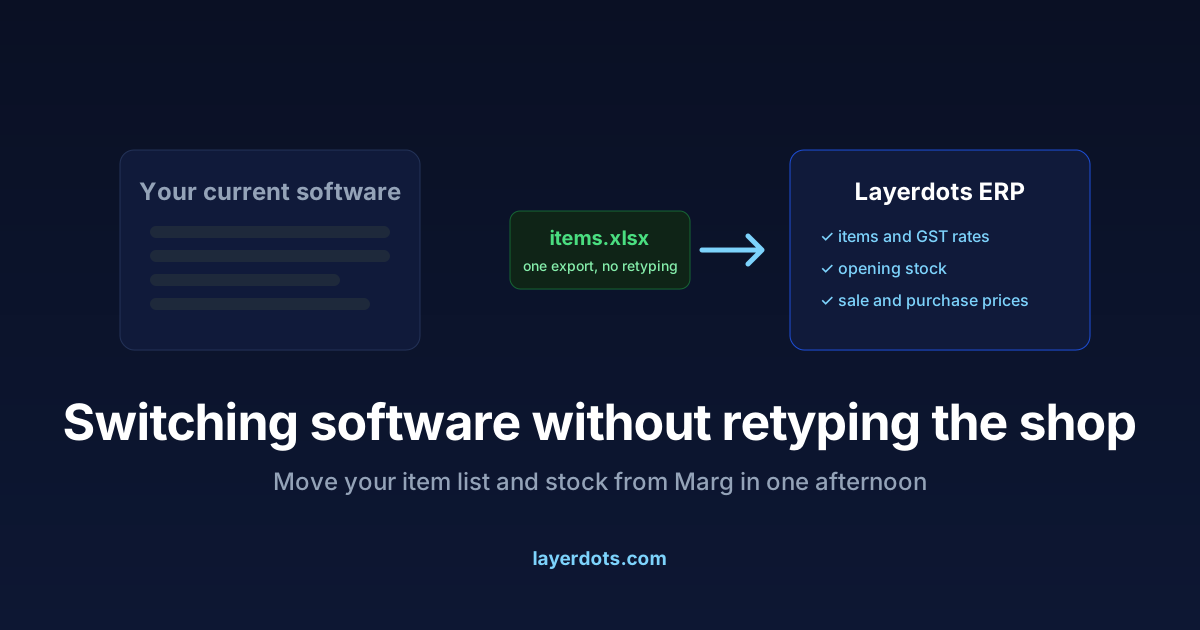
The thing that keeps shops on software they have outgrown is rarely the software. It is the item list. Five thousand products, each with a GST rate, an HSN code, a purchase price, a sale price and a stock count, all typed in over years. Nobody wants to type that twice, so "we will switch someday" stays someday.
You do not have to type it twice. Marg can put your items out in two forms that Layerdots reads directly, and the move is one export, one import and one afternoon of checking.
What comes across
- Items, with their names, packing and HSN codes.
- GST rates per item, so billing taxes correctly from the first bill.
- Prices: MRP, sale rate and purchase rate.
- Opening stock, so your shelves and your software agree on day one.
- Customers and suppliers, with opening balances, so the khata carries over rather than starting from zero.
Two ways out of Marg
Export to Tally. In Marg, run Export to Tally with Masters and Transactions both ticked. It writes two XML files: a master holding items and parties, and a daybook holding sales and purchases. On the Import page in Layerdots, choose the two files together. The daybook cannot be read on its own, because every line in it names an item by its exact string, and the pack size that turns "10.000 TAB" into one strip lives only on the item, so the importer takes the pair and refuses a daybook without its master. The master alone is accepted, with a note that stock is then Marg's opening figure. Nothing is written until you press Save for review; the preview is a read.
An Excel export of the item master. If your Marg version's Tally export is awkward to reach, export the item or stock report with rates and quantities to Excel instead. The importer reads XLSX, XLS and CSV and recognises Marg's column headings by itself: IGST for the GST percentage, Rate for the sale rate, P.Rate for the purchase rate, Stock for the quantity. You see the mapping on screen before anything is saved, and a column it guessed wrong is corrected with a click.
The steps
- Export from Marg, either Export to Tally with both boxes ticked, or the item master to Excel. The export option's exact place in the menus varies between Marg versions; if you do not see it, your Marg operator or support can point to it.
- Install Layerdots and start the seven-day trial. The trial is the full app, so the whole migration can be done before paying anything.
- Open Import and choose your file or files. The columns are detected, you review the mapping, and the preview shows what will be created. If every item in the file should carry one GST rate, you can set that rate for the whole import; by default the sheet's own rates are kept.
- Save for review, then spot-check. Pick ten items you know well and check the rate, the GST and the stock. If the export was wrong, fix the file and import again rather than correcting items one by one.
Old bills
Past bills can come across too, and they are handled with care. Imported history feeds your reports, GST summaries and customer statements, but it does not take stock off the shelf and does not change what customers owe you. Your current stock arrived as opening stock and your dues as opening balances, so counting the history again would double both. The importer refuses to make that mistake.
Many shops skip bill history entirely: keep Marg installed for reference, start Layerdots from today's stock, and let the old system retire quietly. Both approaches work. The wrong approach is delaying the switch for months over data that an export carries across in minutes.
Which day to do the import on
Any quiet day. Export in the morning, import before lunch, and bill on the new system the same afternoon. Month-end and year-end feel like natural boundaries, but they are also your busiest days; a random Tuesday is kinder. Keep Marg installed for a few weeks as a reference, and take a Layerdots backup as soon as the import looks right.
Questions that come up
Will my GST rates come across correctly?
Yes. The rate column is mapped per item and shown in the preview before saving. Items with a
missing rate are listed in the app afterwards, so a blank cannot hide.
My export has odd columns. Will it still work?
The importer shows its guess for every column and lets you correct it before anything is
written. If a file genuinely will not map, send it to us on WhatsApp and we will look at
it.
What about customers and suppliers?
They come across with the Tally-format master, or from Excel the same way as items, with
opening balances.